Organize an Amazon Photos Export: Where Automation Hit Its Limits

From 10 Zip Files to a Clean Photo Archive: The problem
The starting point was an Amazon Photos library where many photos had lost their dates —
Some displayed import dates instead of capture dates.
Others had no date metadata at all.
Claude's recommendation was to take the whole library offline first: export it, repair the metadata locally where I had full control over the files, then re-upload a clean copy.
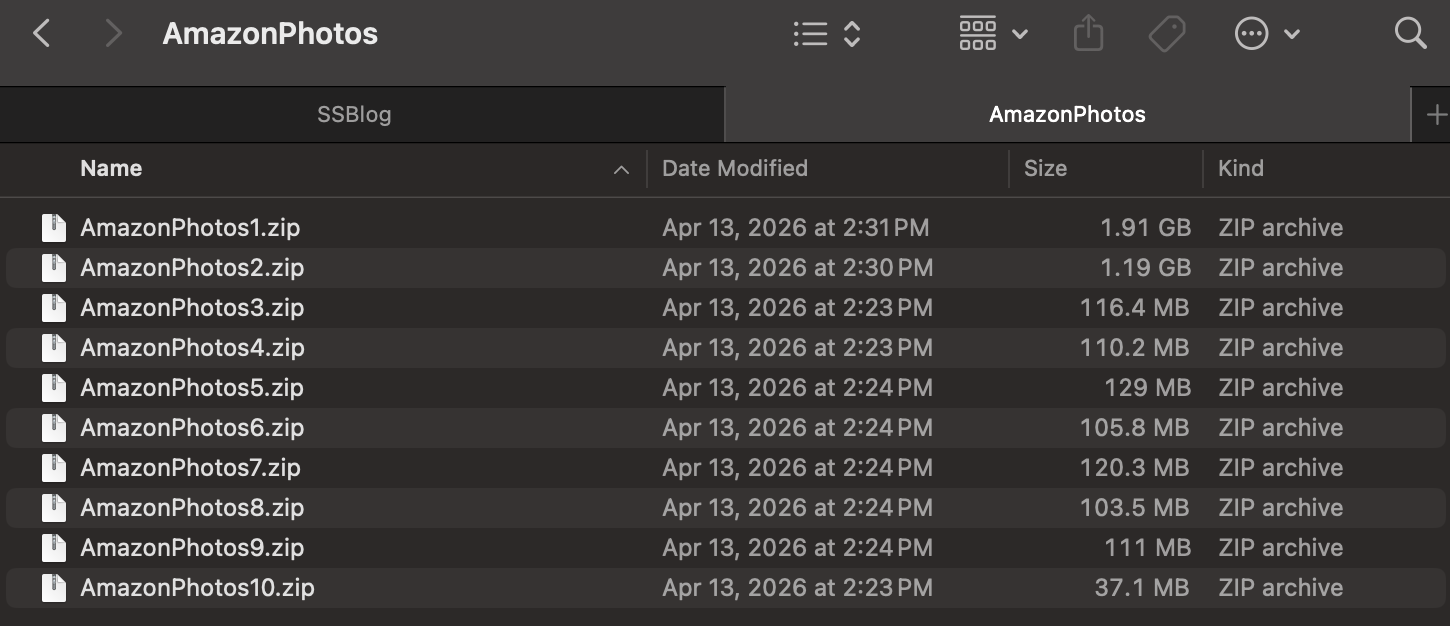
Amazon Photos delivered that export as a stack of separate zip files — ten of them, totalling roughly 4 GB, with no date organization whatsoever.
As the work went on it became clear that the second group above was actually the majority: most photos had no usable EXIF date at all!
The approach
The fix was a three-stage pipeline.
Consolidate and sort. A script unpacks all ten zips into a single pool, removes duplicates, and resolves each file's date through a three-tier fallback:
Embedded EXIF first (the only authoritative source), then
Filename patterns like IMG_20230415, then
Filesystem modification time as a last resort.
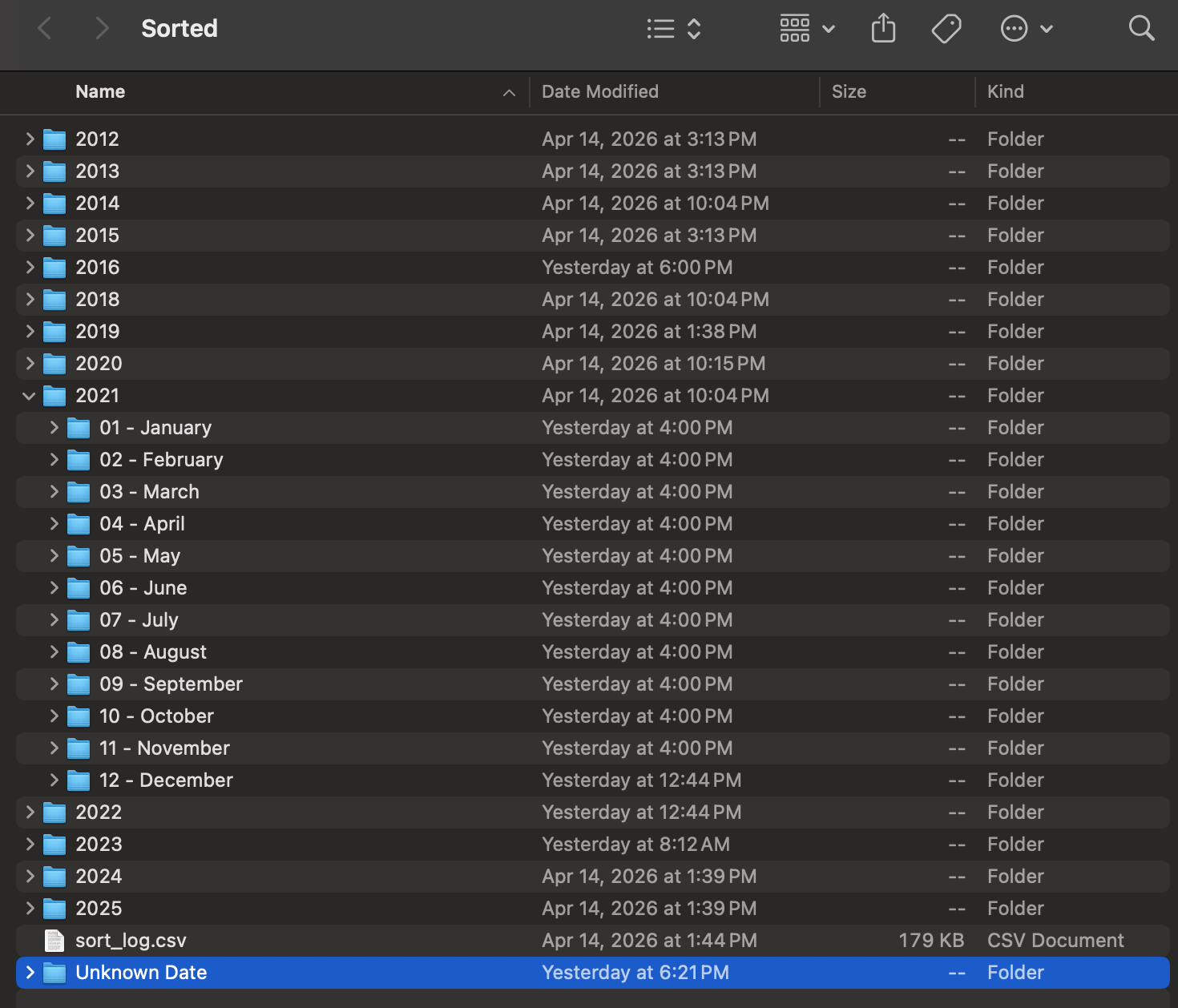
Files land in a clean year / month folder tree.
Stamp the metadata. For any photo whose date was recovered from a filename rather than EXIF, that date is written into the file's EXIF so Amazon reads it correctly on re-upload. Existing EXIF dates are never overwritten. In practice this stage helped far fewer photos than I had assumed it would: most of the files that were missing EXIF also lacked any parseable filename date, so there was nothing to stamp. The automation was real, but it only covered a minority of the library.
Rescue the undated. With most photos lacking both EXIF and a parseable filename, the "Unknown Date" folder became the largest single bucket in the archive — bigger than any year folder.
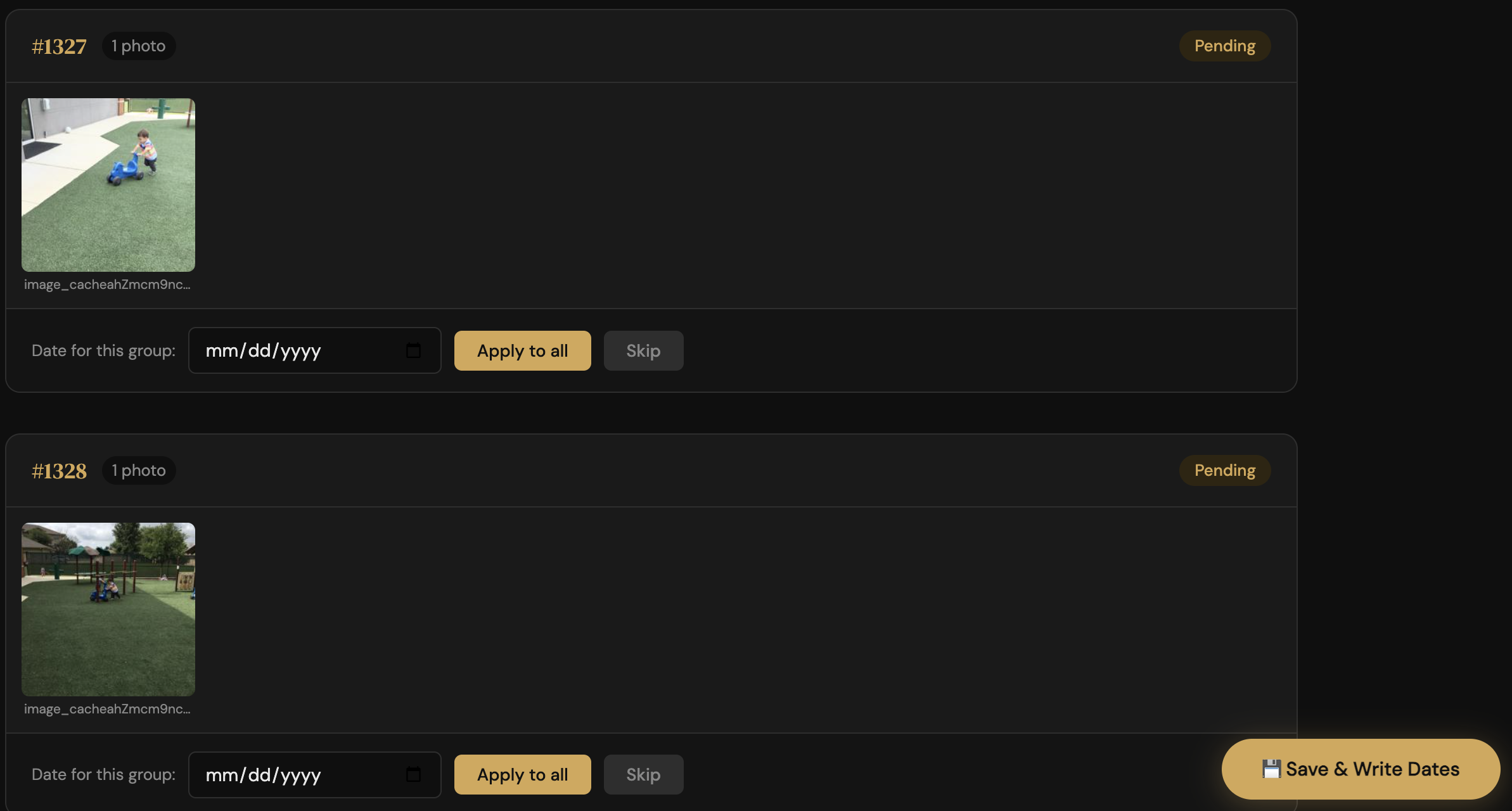
A second tool computes a perceptual hash for each image, groups visually similar shots, and serves a browser UI for dating them. The intent was to assign one date per cluster and write it to the whole group at once.
In practice the clustering was too conservative — most photos came through as individual rows rather than tight groups — so that batching benefit largely did not materialize.
What the tool did deliver was a fast, scrollable gallery for dating photos one at a time from memory, which is a real but more modest win.
The honest reality of this project is that most of the dating work was manual: me, the gallery, and my own memory of when each photo was taken!
Why the EXIF-writing was rewritten
The clean pipeline above is the final shape, but the EXIF-writing step took a rewrite to get right.
The first version stamped recovered dates into each file's EXIF using piexif. Before running it across the whole library, I uploaded a small batch of test photos to Amazon Photos to confirm the stamp actually worked end-to-end — that Amazon would read the rewritten DateTimeOriginal and treat it as the capture date rather than the upload time. It did. That validation step turned out to be important; without it, scaling up would have just rebuilt the original mess in a more polished form.
The bug, surfaced later: the first version would stamp any date it could find, including dates derived from filesystem mtime. If a file's modification time had been reset by the export to a recent date, the script confidently wrote "today" into EXIF as if it were the original capture date — worse than no date, because it's a lie that future tools would trust.
The rewrite corrected that. It uses ExifTool when available (which handles HEIC, PNG, and most video formats that piexif cannot), with piexif as a JPEG/TIFF fallback, and it refuses to stamp any date derived from mtime. Photos with no EXIF and no parseable filename date fall through to the "Unknown Date" folder honestly. A sort_log.csv records the date source for every file.
The lesson from the iteration: a date you guessed is not the same as a date that survives, and writing the wrong guess into metadata is worse than writing nothing.
The result
A clean archive spanning 2004 to the present, organized by year and month, with a sort_log.csv audit trail of every decision.
Not every photo was forced into the new structure. Around 230 images that family members had shared earlier through a chat app were deliberately left undated — chat apps strip metadata in transit, so there was no reliable date to recover, and rather than guess, they were kept together as their original family-shared set.
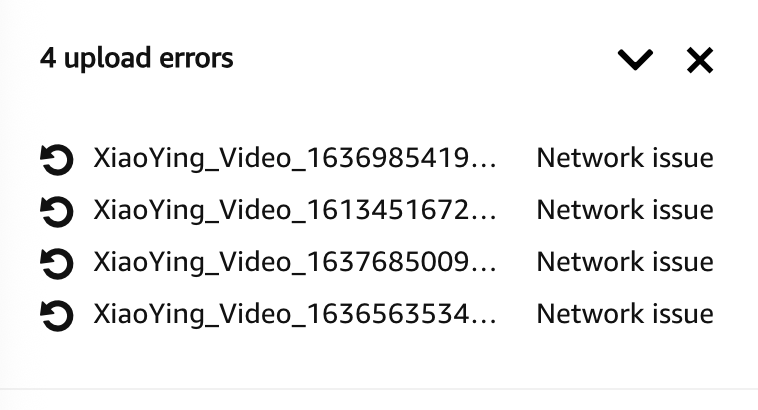
Re-upload was not bulletproof — a handful of video files failed with network errors and needed a manual retry.
Takeaways
Automation handled less of this project than the original framing implied. EXIF is the only durable date record, but the majority of the library had no EXIF and no parseable filename, so the stamping pipeline only ever covered a minority of photos.
The bulk of the actual dating ended up being manual — done with the gallery view and my own memory of when each photo was taken. Worth knowing before you start a project like this: automation lifts the easy cases; the long tail is on you!
The perceptual clustering underdelivered for similar reasons — it grouped too conservatively to save much manual effort, and its real value turned out to be as a review gallery rather than automation.
Validate a heuristic tool on real data before building a workflow around it. On a library this size, budget for upload failures rather than assuming a clean transfer.
And know when to stop organizing — the 230 chat-app images were left as the family-shared set they arrived in, because forcing them into the structure would have stripped more context than it added.